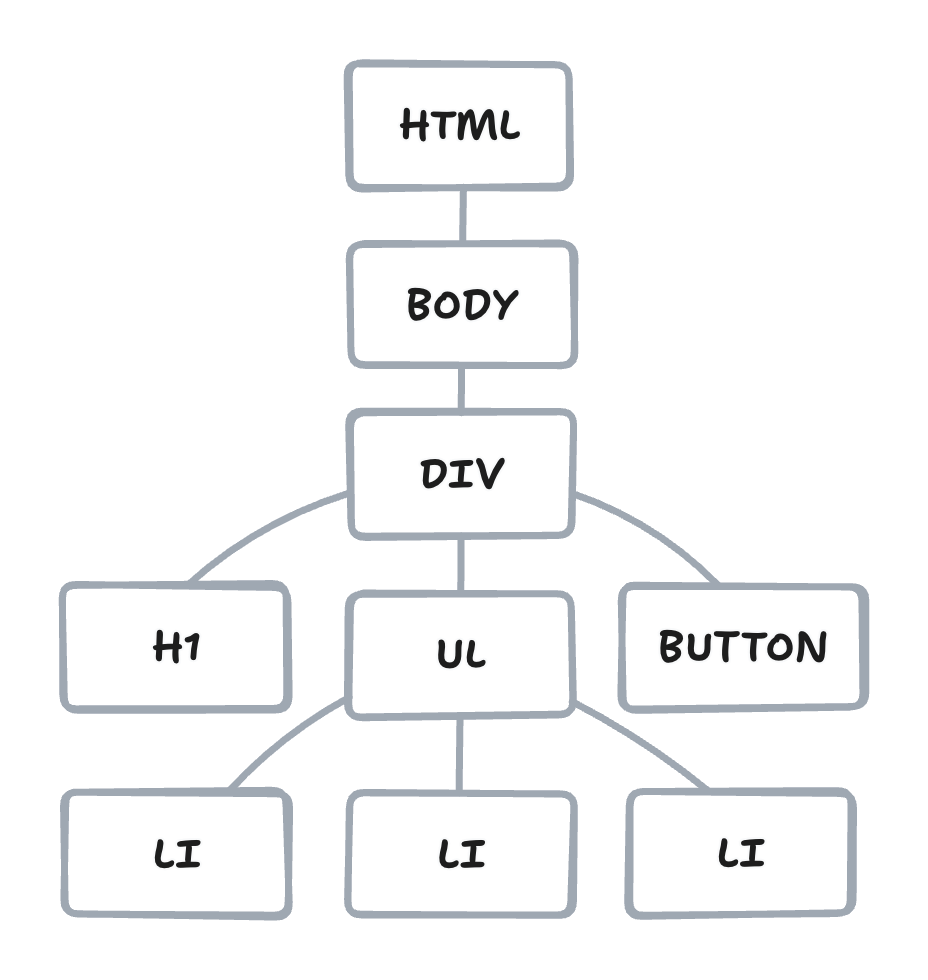
<html>
<body>
<div>
<h1>Team</h1>
<ul>
<li>A. Lovelace</li>
<li>G. Hopper</li>
<li>M. Hamilton</li>
</ul>
<button>Like (0)</button>
</div>
</body>
</html

Adding a new item in vanilla JS...
// get the list
const list = document.getElementById('list')
// create a new item
const item = document.createElement('li')
// set the item's text
item.textContent = 'A. Turing'
// add the item to the list
list.appendChild(item)Why is it bad?

Describing the list to React...
function TeamList() {
// let members be a list of names
let members = ['A. Lovelace', 'G. Hopper', 'M. Hamilton']
return (
// render a list...
<ul>
{members.map((member) => (
<li>{member}</li> // ...with each member
))}
</ul>
)
}Why is it good?

HTML: Structure and content.
<!-- index.html -->
<form id="login-form">
<input id="username" />
<input id="password" />
<button>Login</button>
</form>JavaScript: Behavior and interactivity.
// login.js
isLoggedIn() {...}
handleLogin() {...}
handleLogout() {...}CSS: Presentation and styling.
/* global.css */
button {
background-color: blue;
color: white;
}Components: Structure, content, behavior and styling in one
place.
And soon the server-side logic...
// LoginForm.jsx
function LoginForm({isLoggedIn}) {
handleLogin() {...}
handleLogout() {...}
return (
<form>
<input id="username" />
<input id="password" />
{isLoggedIn
? <button>Logout</button>
: <button>Login</button>
}
</form>
)
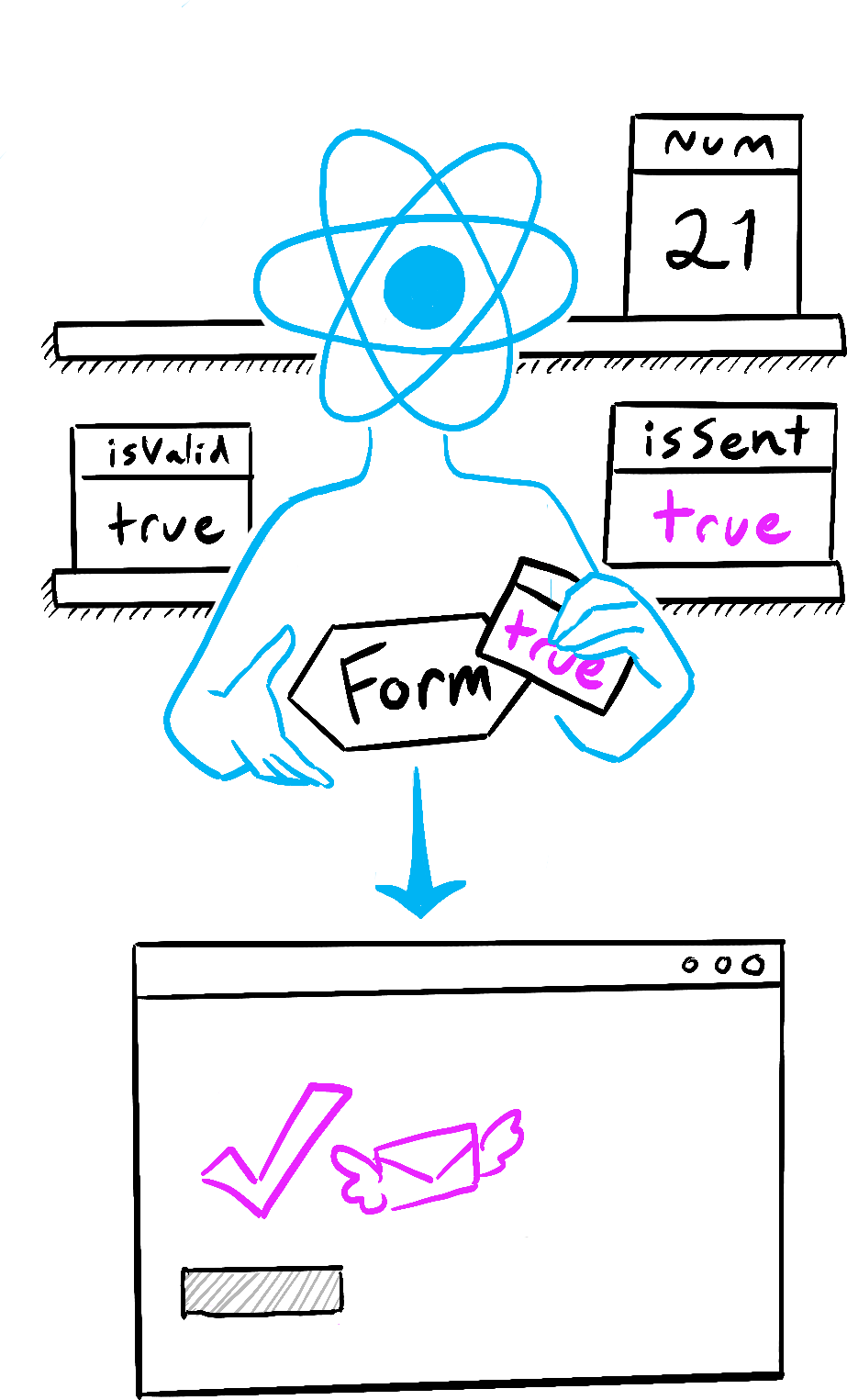
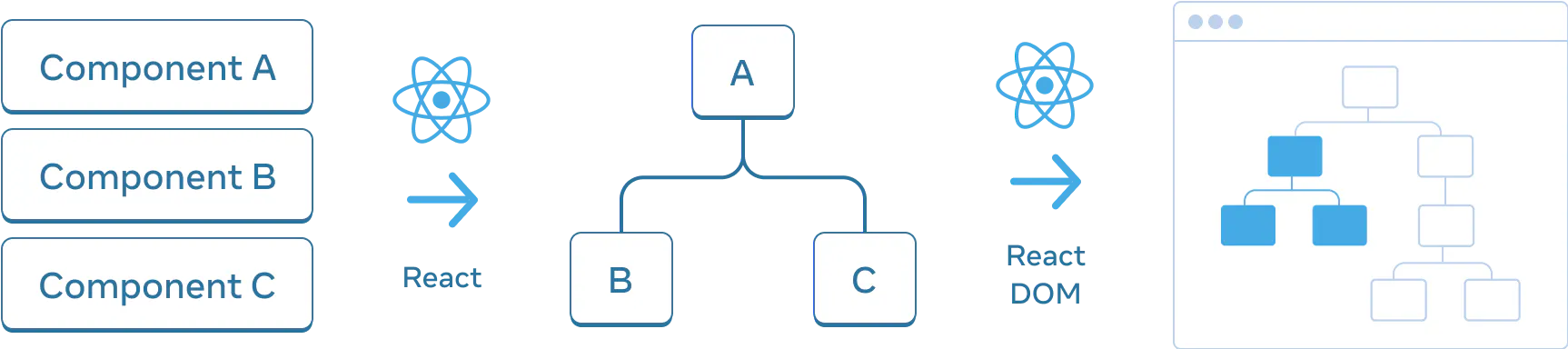
}React creates and manages a virtual tree of your components and renders it to the DOM.
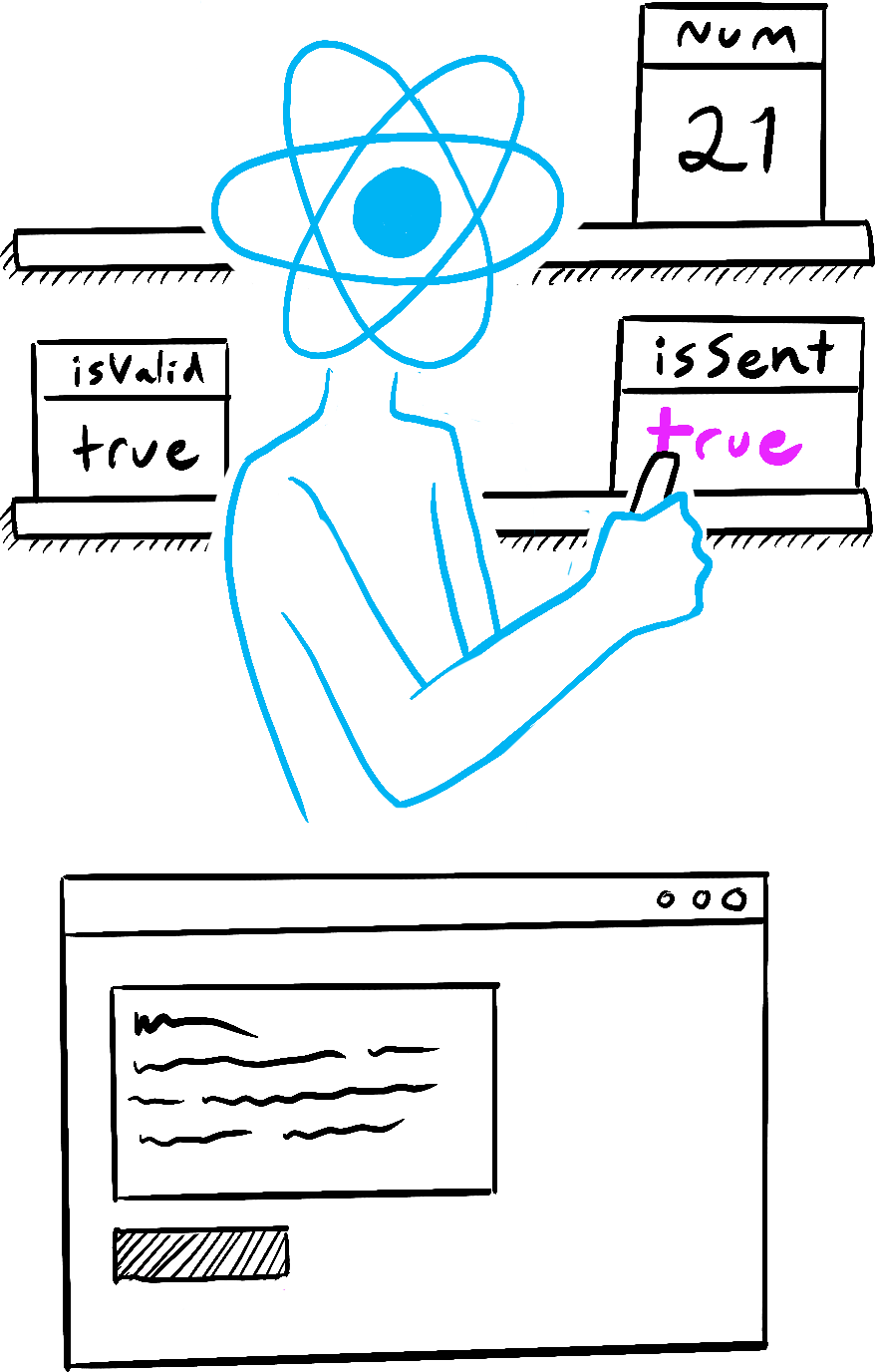
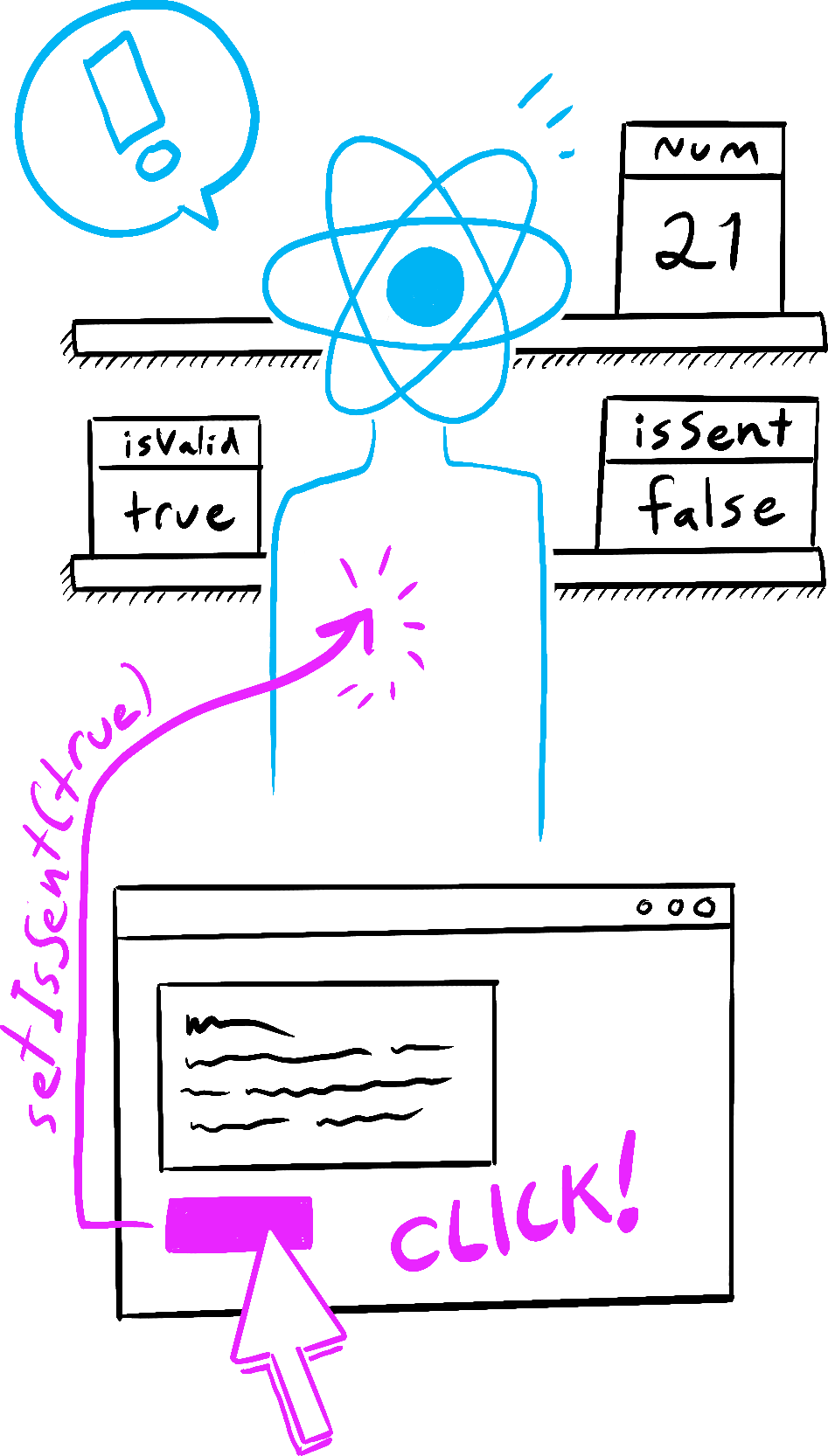
State is what makes the UI dynamic and interactive.
Every UI has many levels of state, which are snapshots of some data at a particular moment.
Anything from a simple counter to a complex user profile.
Global
user auth, session, settings,
etc.
Local
form inputs, toggles, counters,
etc.
Derived
filtered list, computed value,
etc.
UI
visibility, focus, hover, etc.
Localization
language, timezone, etc.
Device
network, viewport, input mode,
etc.
Browser
theme and motion preferences, features,
etc.
User
disability, impairment, etc.
For React, state is like a snapshot of data at a particular moment.


function LikeButton() {
return (
<button>
I don't do anything yet
</button>
)
}function LikeButton() {
let handleClick = () => alert('Like button clicked!')
return (
<button onClick={handleClick}>
Like
</button>
)
}function LikeButton() {
let [likes, setLikes] = useState(0)
let handleClick = () => alert('Like button clicked!')
return (
<button onClick={handleClick}>
{likes} {likes === 1 ? 'like' : 'likes'}
</button>
)
}function LikeButton() {
let [likes, setLikes] = useState(0)
let handleClick = () => setLikes((l) => l + 1)
return (
<button onClick={handleClick}>
{likes} {likes === 1 ? 'like' : 'likes'}
</button>
)
}